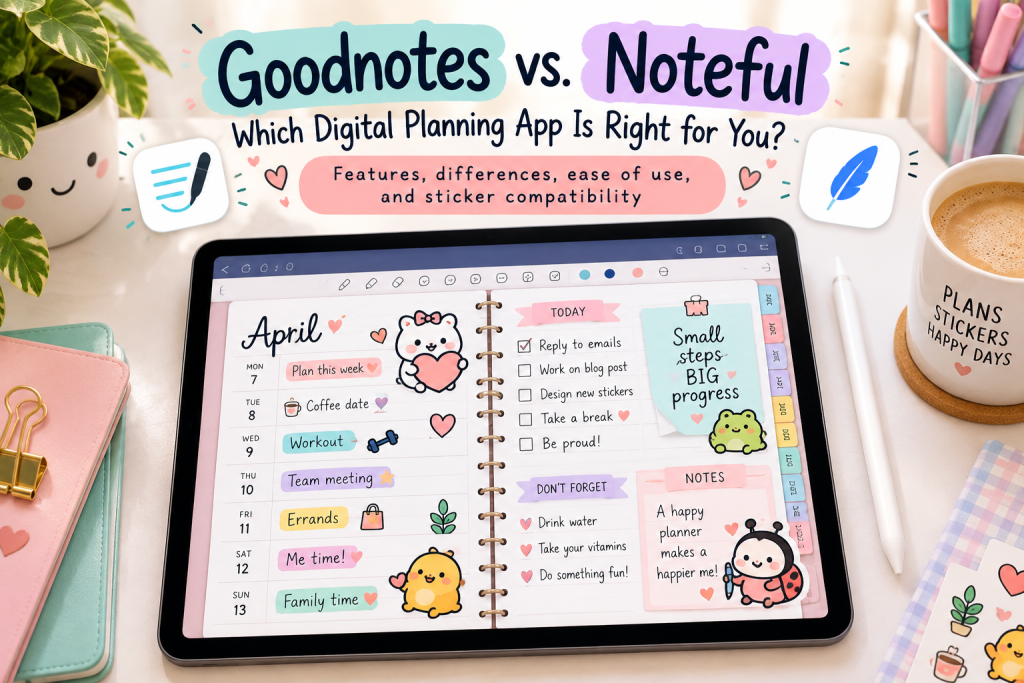
Goodnotes vs. Noteful: Which Digital Planning App Is Right for You?
Features, ease of use, digital stickers, and everything you need to know before choosing your new favorite planning app.
So, you’ve decided to give digital planning a try. You’ve picked out a cute digital planner, found some adorable digital stickers, and you’re ready to get your life organized.
There’s just one little problem.
Which digital planning app should you actually use?
If you’ve been researching the best digital planning apps for iPad, you’ve probably come across two popular options: Goodnotes and Noteful.
Both apps let you write directly on digital planner pages, highlight important dates, organize your schedule, and decorate your planner with digital stickers.
But while they share plenty of similarities, they’re not exactly the same.
One offers a broader collection of note-taking and productivity features, while the other focuses on a simpler, streamlined experience.
And here’s the good news: You don’t necessarily need the most expensive or feature-packed app to create a digital planner you’ll absolutely love.
Let’s compare Goodnotes vs. Noteful and figure out which one deserves a spot on your iPad.
What Are Goodnotes and Noteful?
Before we get into the differences, let’s talk about what these apps actually do.
Goodnotes and Noteful are primarily digital note-taking and PDF annotation apps.
That means they weren’t created exclusively for digital planning, but they’re both excellent tools for it.
Instead of writing in a traditional paper planner, you can import a digital planner PDF into either app and use your Apple Pencil or another compatible stylus to write directly on the pages.
You can also add digital stickers, highlight appointments, create colorful layouts, and customize your planner to fit your personality.
Think of it as having your favorite paper planner, a giant collection of colorful pens, and an endless supply of stickers—all tucked neatly inside your iPad.
And unlike a traditional paper planner, you don’t have to worry about running out of ink or accidentally putting a sticker in the wrong spot.
We’ve all been there.
Goodnotes vs. Noteful: Quick Comparison
If you’re wondering whether Goodnotes or Noteful is better for digital planning, here’s a quick look at how they compare.
| Feature | Goodnotes | Noteful |
| Digital PDF planners | Yes | Yes |
| Apple Pencil handwriting | Yes | Yes |
| Digital sticker compatibility | Yes | Yes |
| Hyperlinked planner navigation | Yes | Yes |
| PDF annotation | Yes | Yes |
| Handwriting search | Yes, supported | More limited |
| Layers for organizing content | Not a comparable dedicated layer system | Yes |
| Notebook organization | Yes | Yes |
| Beginner-friendly | Yes | Yes |
| Advanced productivity tools | More extensive | More streamlined |
| Free access | Limited free option | Limited free option |
| Paid upgrades | Subscription and other options, depending on platform | Pro upgrade |
Both apps handle the basics of digital planning beautifully. The biggest differences come down to how much functionality you want, how you prefer to organize your planner, and how much you’re comfortable spending.
Goodnotes for Digital Planning: What Makes It Popular?
Goodnotes has become one of the most recognizable names in digital note-taking and planning.
And there’s a reason so many digital planner enthusiasts use it.
Goodnotes offers a polished writing experience combined with a variety of tools for organizing notebooks, annotating PDFs, and managing handwritten notes.
1. A Natural Handwriting Experience
If you’re transitioning from paper planning to digital planning, handwriting is probably one of your biggest concerns.
After all, nobody wants their carefully written appointment reminders looking like they were scribbled during an earthquake.
Goodnotes offers a responsive handwriting experience with customizable pen tools, highlighters, and erasers.
You can change pen colors and thicknesses, making it easy to color-code your schedule or create decorative planner layouts.
2. Powerful Note-Taking Features
Goodnotes goes beyond simple PDF annotation.
Depending on your device and version, it offers tools such as handwriting recognition, searchable notes, and additional productivity features.
This makes Goodnotes particularly appealing if you want to use the same app for more than just planning.
For example, you might keep your daily planner, personal journal, meeting notes, study materials, and other documents together.
3. Digital Planner Compatibility
One of the biggest advantages of Goodnotes is its compatibility with hyperlinked PDF digital planners.
Many digital planners include clickable tabs that allow you to jump between monthly calendars, weekly spreads, daily pages, and other sections.
Goodnotes supports these hyperlinks, although you may need to switch to the appropriate viewing or read-only mode to activate them.
This is especially useful if you enjoy using customizable digital planners with different page layouts.
4. Digital Stickers in Goodnotes
Now we’re getting to the fun stuff!
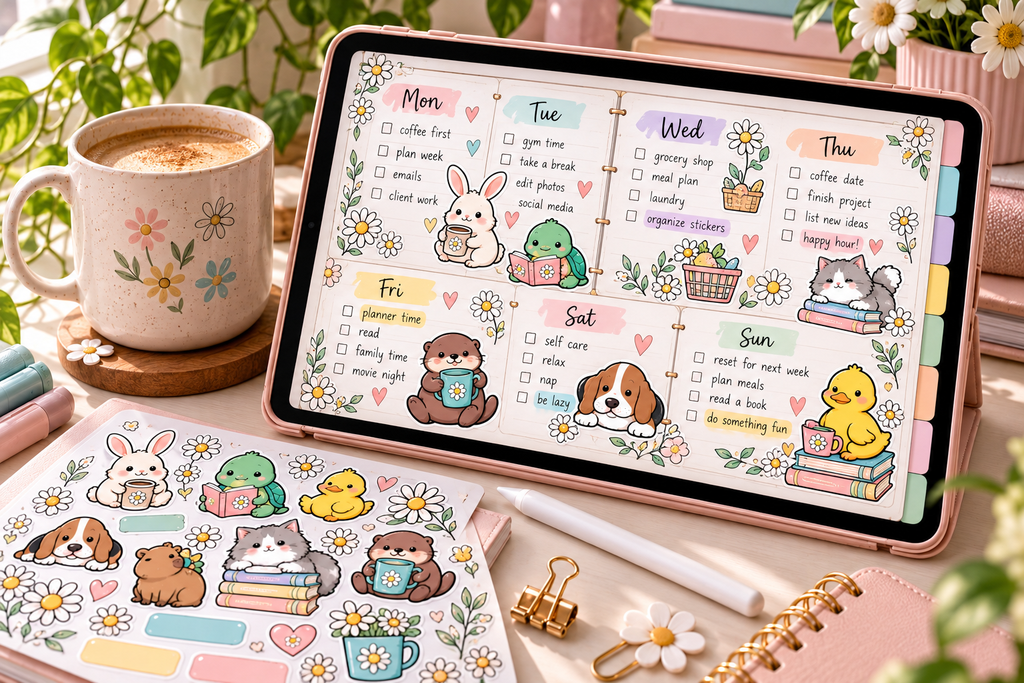
Goodnotes works with PNG digital stickers, including stickers with transparent backgrounds.
You can import sticker images, resize them, move them around, and arrange them throughout your planner.
Goodnotes also offers Elements, a feature that lets you save and reuse frequently used items.
That can be particularly handy when you have a favorite collection of functional planner stickers, decorative characters, or cute little reminders.
Goodnotes may be the better choice if you:
- Want digital planning and more advanced note-taking tools in one app.
- Frequently search through handwritten notes.
- Enjoy organizing lots of notebooks and documents.
- Like having reusable sticker collections and decorative elements.
- Don’t mind paying for additional features you actually use.
Noteful for Digital Planning: Why So Many Planners Love It
Noteful might not have the same name recognition as Goodnotes, but don’t underestimate this little app.
For people who primarily want to use an iPad for digital planning, journaling, and PDF annotation, Noteful can be a fantastic alternative.
Its appeal is pretty simple.
It offers many of the tools digital planners actually need without overwhelming you with extras.
1. A Clean, Simple Interface
One of Noteful’s biggest strengths is its straightforward interface.
If you’re brand-new to digital planning, you may appreciate having fewer features and menus to navigate.
You can import your planner, choose your writing tools, and start planning without spending hours figuring out complicated settings.
Sometimes simple really is better.
Especially when you’re just trying to remember whether your dentist appointment is Tuesday or Thursday.
2. Apple Pencil Support
Like Goodnotes, Noteful supports handwriting with Apple Pencil.
You can write, draw, highlight, erase, and annotate your digital planner pages.
This makes it suitable for daily schedules, habit trackers, weekly planning, budgeting pages, and digital journals.
3. Layers for More Flexible Planning
One particularly interesting Noteful feature is its layer system.
Layers let you separate certain elements of your notes or planner pages.
For example, you might keep handwritten appointments on one layer and decorative elements on another.
This can make it easier to work with different types of content without disturbing everything else on the page.
If you enjoy experimenting with creative digital planner layouts, layers are definitely worth exploring.
4. Digital Stickers in Noteful
Yes, you can absolutely use digital planner stickers in Noteful!
Transparent PNG stickers can be imported and placed directly onto your planner pages.
You can resize and reposition them to decorate your layouts.
Whether you’re using cute character stickers, appointment reminders, budgeting icons, or seasonal decorations, Noteful provides the essential tools to make your digital planner feel like your own.
Noteful doesn’t have the same Elements feature as Goodnotes, so the process of storing and reusing stickers may look different.
But that doesn’t mean you have to give up your favorite sticker collections.
It simply means your sticker workflow may require a slightly different approach.
Noteful may be the better choice if you:
- Primarily want an app for digital planning and PDF annotation.
- Prefer a clean, uncomplicated interface.
- Enjoy using layers to organize planner content.
- Want to avoid paying for advanced features you don’t need.
- Like a streamlined digital planning experience.
Goodnotes vs. Noteful for Digital Stickers: Which Is Better?
If you’re anything like me, a digital planner without stickers feels a little… unfinished.
Sure, a clean planner is practical.
But add a tiny duck having an existential crisis over its to-do list, and suddenly planning becomes a lot more entertaining.
Fortunately, both Goodnotes and Noteful support digital stickers, so you don’t have to choose your app based solely on whether you can decorate your pages.
Using PNG Digital Planner Stickers
PNG files are one of the most versatile formats for digital planner stickers.
When a sticker has a transparent background, you can place it directly onto your planner without a distracting white box around the design.
Both Goodnotes and Noteful support importing these images.
That means you can use the same transparent PNG sticker collection in either app.
You can typically:
- Import stickers from your Files app or other supported sources.
- Resize stickers to fit your planner layout.
- Move stickers to different locations.
- Mix functional stickers with decorative designs.
- Create personalized planner pages.
What About Goodnotes and Noteful Sticker Books?
Some digital sticker collections include prearranged sticker books designed specifically for Goodnotes or Noteful.
These are convenient because they keep your stickers organized instead of requiring you to hunt through individual PNG files.
However, there’s something important to understand.
A native Goodnotes sticker book and a native Noteful sticker book aren’t necessarily interchangeable.
Each app has its own file formats and ways of managing content.
If you’re purchasing a digital sticker collection, check which file types are included.
For the most flexibility, look for sticker collections that include transparent PNG files along with app-specific sticker books.
That way, you have options if you decide to switch apps later.
A Little Daisy Bug Sticker Tip
At Daisy Bug, I love giving digital planners options.
That’s why Daisy Bug digital sticker collections include Goodnotes and Noteful sticker books along with individual PNG stickers.
Whether you love Goodnotes, prefer Noteful, or occasionally switch between the two, you can enjoy your favorite Critter Crew stickers without being locked into just one app.
Because choosing a planning app is enough of a decision.
You shouldn’t have to abandon your favorite stickers, too.
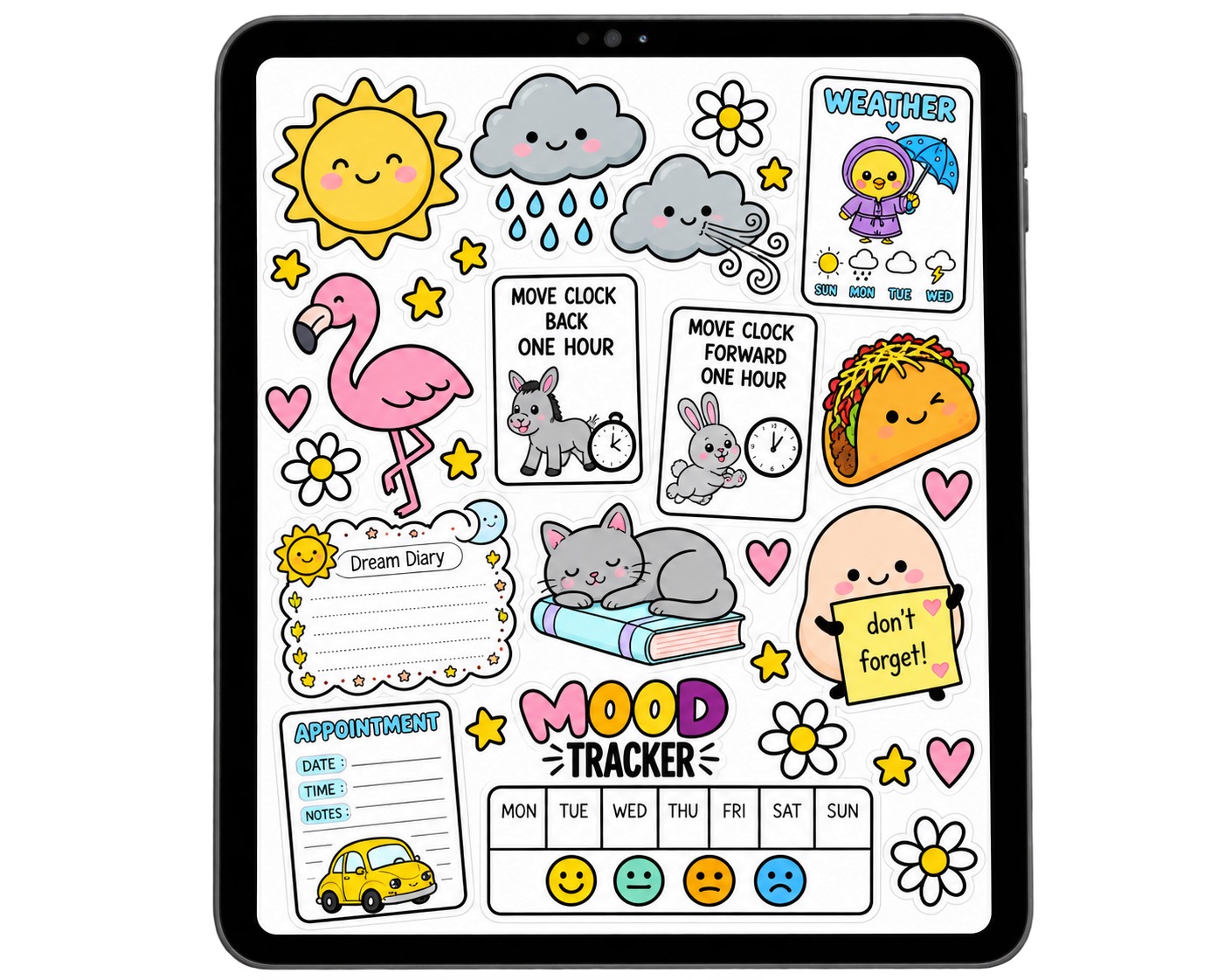
Free Stickers? Yes, Please
Sign up & get yours!
Which App Is Easier for Digital Planning Beginners?
If you’re new to digital planning, ease of use can make a huge difference.
The last thing you want is to download a beautiful digital planner and then spend your entire afternoon trying to figure out how to write on it.
Both Goodnotes and Noteful are beginner-friendly, but they approach things a little differently.
Goodnotes: More Features to Explore
Goodnotes offers a wide selection of tools and capabilities.
That’s wonderful if you enjoy learning new features and customizing your workflow.
However, beginners may need a little extra time to get comfortable with everything.
Noteful: Simple and Straightforward
Noteful generally offers a more streamlined experience.
If your main goal is to import a PDF planner, write appointments, highlight important dates, and decorate with digital stickers, you may find Noteful easier to learn.
My suggestion for beginners?
Try both apps with a simple planner page before committing to either one.
Write a few appointments, add some digital stickers, test the highlighter, and practice navigating between pages.
You’ll probably discover pretty quickly which app feels more natural.
And that’s more important than choosing whichever app happens to be the most popular.
Goodnotes vs. Noteful: Which Is More Affordable?
Let’s talk about money.
Because while digital planning can be a wonderfully creative hobby, it doesn’t need to turn into an expensive one.
Goodnotes offers free access with limitations and paid options that unlock additional capabilities.
Noteful also offers a free version, with a Pro upgrade for additional features.
The exact pricing, purchase options, and included features can change, so it’s always worth checking the current App Store listings before deciding.
Generally speaking, Noteful appeals to people looking for a more affordable, focused PDF annotation experience, while Goodnotes offers a broader range of features that may justify the cost for some users.
But here’s something I think is worth remembering.
The best digital planning app isn’t necessarily the one with the most features. It’s the one you’ll actually enjoy using.
If you only need a place to organize your weekly schedule, track habits, and decorate with digital stickers, you may not need every advanced tool available.
On the other hand, if you also use your iPad for school, work, journaling, or extensive note-taking, paying for a more feature-rich app may make sense.
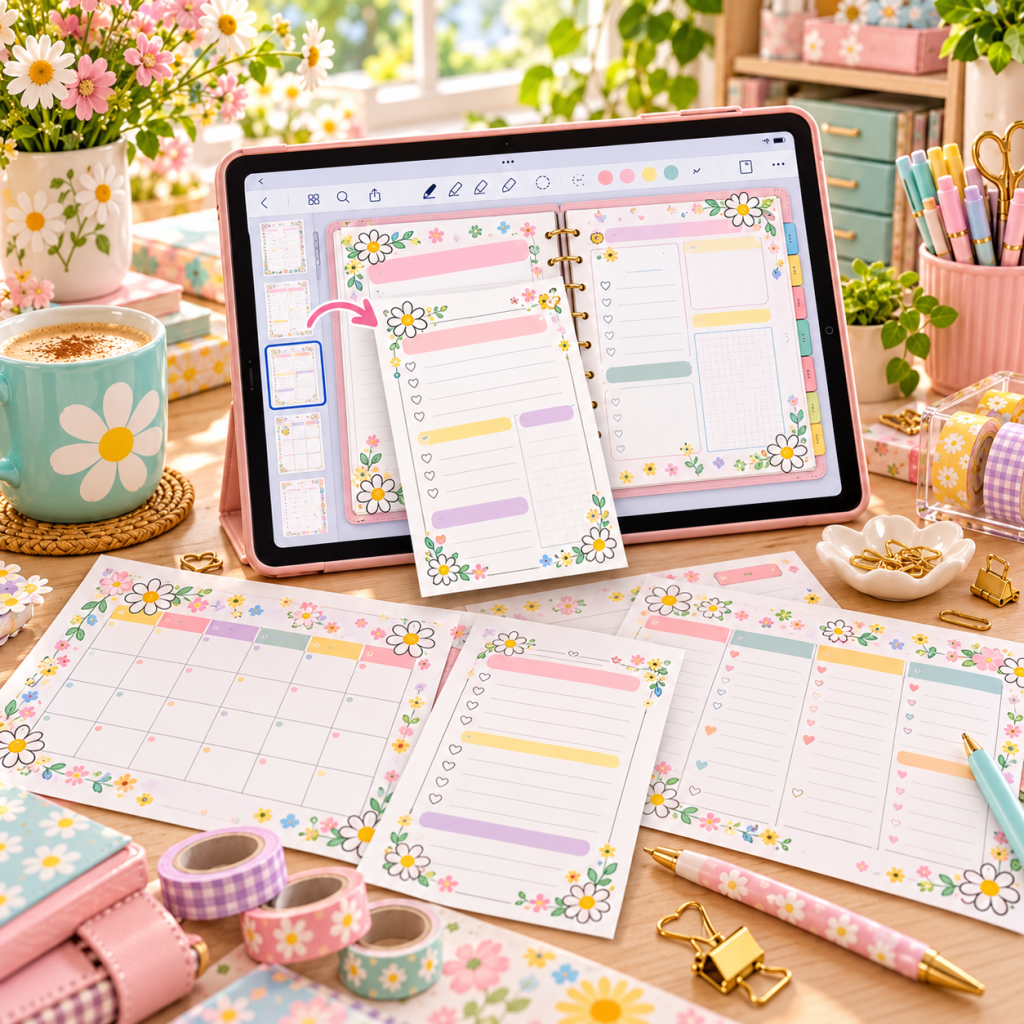
Can You Use the Same Digital Planner in Goodnotes and Noteful?
In many cases, yes!
Most digital planners are created as PDF files, and both Goodnotes and Noteful can import and annotate PDFs.
That means a well-designed PDF digital planner can often be used in either app.
This is particularly useful if you prefer blank customizable digital planners instead of planners filled with sections you’ll never use.
You can choose the planner pages that suit your lifestyle, import them into your preferred app, and create a planning system that actually works for you.
Just remember that PDF compatibility doesn’t necessarily mean every app-specific feature or native file will transfer between the two.
If you decide to switch apps, exporting an annotated PDF can help preserve the appearance of your planner, but some editable elements or app-specific features may not transfer.
Can You Combine Printable Planner Pages With Goodnotes or Noteful?
Absolutely!
And this is one of my favorite ways to make digital planning more flexible and budget-friendly.
You don’t always need to purchase an entirely new digital planner just because you want a different habit tracker, reading log, budgeting worksheet, or weekly schedule.
You can often use printable planner PDFs inside your digital planning app.
Instead of printing the page, import the PDF into Goodnotes or Noteful and write on it digitally.
This opens up all kinds of possibilities.
Maybe you already have a stash of printable planner pages you’ve collected over the years.
Or maybe you’ve discovered a few adorable printable layouts that would be perfect for your digital planner.
There’s no reason those pages have to sit forgotten in a folder.
With the right setup, you can give them a whole new life on your iPad.
Related reading: How to Use Printable Planner Pages in Your Digital Planner and Save Money.
So, Is Goodnotes or Noteful Better for Digital Planning?
Here’s where I think the decision gets interesting.
Neither app is automatically better for everyone.
It really depends on how you plan to use it.
Choose Goodnotes If…
You want an app that combines digital planning with a wider range of note-taking and productivity tools.
Goodnotes may be especially appealing if you like searchable handwritten notes, reusable Elements collections, and keeping different types of documents organized in one place.
Choose Noteful If…
You want a straightforward app for writing on digital planners, annotating PDFs, using digital stickers, and organizing your pages without unnecessary complexity.
Noteful may be particularly appealing if you enjoy its layer system and prefer a simpler interface.
My Personal Take on Choosing a Digital Planning App
I don’t think anyone should feel pressured to use a particular app just because it’s popular on social media.
Digital planning is supposed to make life easier, not give you another complicated system to manage.
If you’re happy with a simple weekly planner, a few functional stickers, and a place to jot down your thoughts, that’s perfectly fine.
And if you love creating elaborate digital planner spreads with colorful highlights, decorative stickers, and multiple notebooks, that’s wonderful too.
There’s room for both styles.
Your planner should work for your life, not the other way around.
Frequently Asked Questions About Goodnotes vs. Noteful
Is Noteful as good as Goodnotes for digital planning?
For basic digital planning, Noteful can be just as useful as Goodnotes. Both apps support PDF planners, handwriting, highlighting, and digital stickers. Goodnotes offers additional features that may appeal to users with more extensive note-taking needs.
Can I use Goodnotes stickers in Noteful?
If your stickers are individual transparent PNG files, you can generally use them in either app. Native Goodnotes sticker book files, however, aren’t directly interchangeable with Noteful’s native format.
Does Noteful support hyperlinked digital planners?
Yes. Noteful supports hyperlinks in PDF documents, making it suitable for digital planners with clickable navigation tabs. You may need to use the appropriate viewing or navigation mode to follow links.
Which app is better for Apple Pencil digital planning?
Both Goodnotes and Noteful support Apple Pencil handwriting and annotation. The better choice depends on which writing tools and interface you prefer.
Can I use printable PDF planner pages in Goodnotes and Noteful?
Yes! Both apps can import PDF documents, including printable planner pages. You can write directly on them, highlight sections, and add digital stickers without printing anything.
Is Goodnotes worth paying for?
Goodnotes may be worth the investment if you regularly use its advanced note-taking, organization, and productivity features. If you mainly want to annotate digital planners, a simpler alternative like Noteful may be sufficient.
Can I switch from Goodnotes to Noteful later?
Yes, but some preparation may be necessary. You can export planners as PDFs and import them into another compatible app. However, certain native features and editable elements may not transfer.
Final Thoughts: Find Your Digital Planning Happy Place
When it comes to Goodnotes vs. Noteful, there really isn’t a one-size-fits-all winner.
Goodnotes is a strong option for people who want digital planning alongside a more extensive collection of note-taking tools.
Noteful is an appealing alternative for anyone who prefers a streamlined digital planning experience with useful features like layers.
And when it comes to decorating your planner with digital stickers?
Both apps can help you create something colorful, functional, and completely your own.
My advice is simple: Choose the app that makes you excited to open your planner.
Whether you’re a color-coded scheduling superstar or someone whose to-do list looks like it was organized by a caffeinated duck, there’s a digital planning setup out there for you.
And your planner doesn’t have to be perfect.
It just has to make your day a little easier—and hopefully a little more fun.
Add a Little Daisy Bug Personality to Your Digital Planner!
Ready to make your digital planner a little more colorful?
Explore the Daisy Bug collection of cute digital planner stickers, featuring the mischievous Critter Crew, functional planning stickers, seasonal favorites, and plenty of personality.
Our digital sticker collections include Goodnotes and Noteful sticker books plus transparent PNG files, so you can decorate your planner in the app you love.
Because getting organized is great. Getting organized with adorable stickers is even better.
Happy planning!
— Daisy Bug 🐞